 1 / 2
1 / 2Beschrijving van de maker
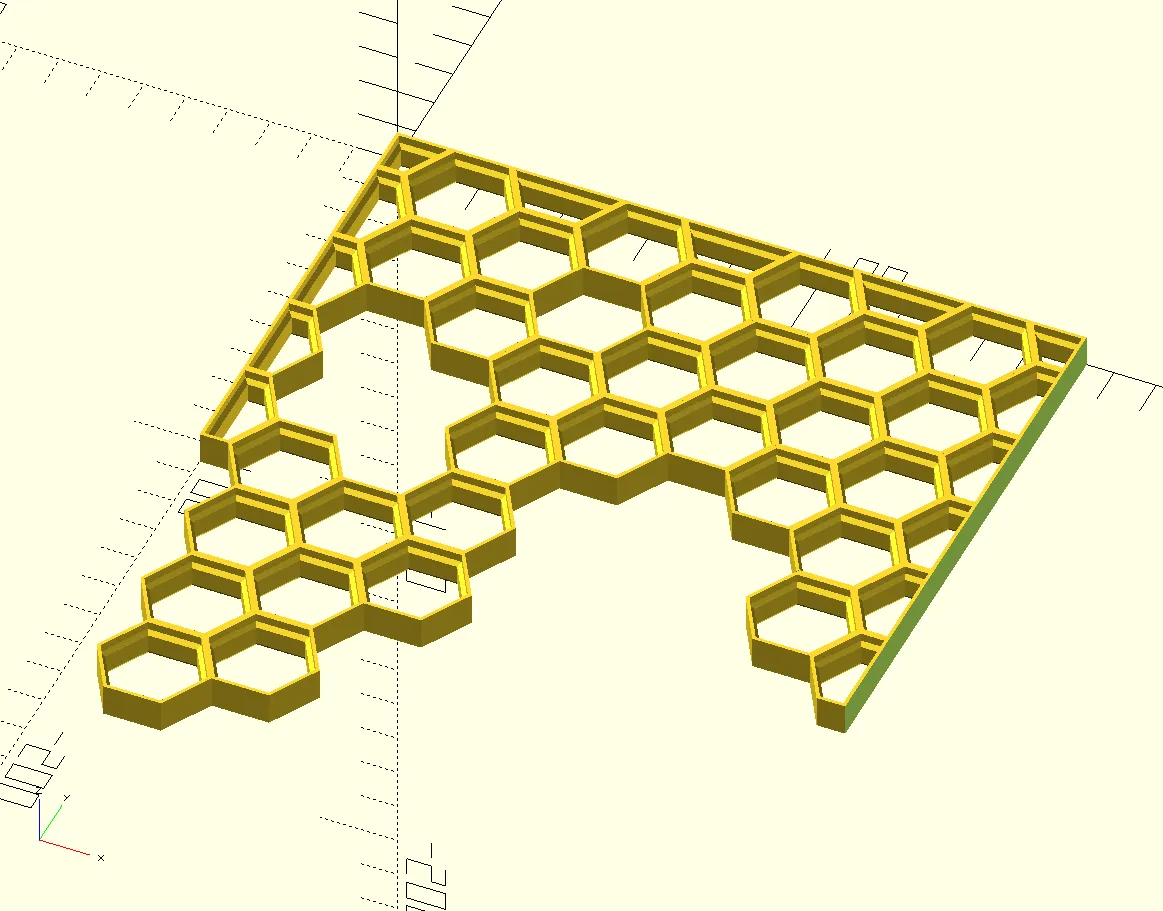
Origineel in het EngelsCustomizable OpenSCAD version of the Honeycomb Storage Wall that allows creation of custom grid sizes and irregular shapes.
About OpenSCAD
OpenSCAD is a free software that facilitates parametric 3D modeling. If you are unfamiliar with OpenSCAD, I really encourage you to try it out. There is a wealth of fantastic models readily available that allow tweaking till your heart's content.
Instructions
New to OpenSCAD? No problem! Just follow these steps to start generating your own custom models:
- Download and install OpenSCAD (its free!): https://openscad.org/downloads.html
- Open the model file with OpenSCAD. These typically use the “.scad” extension.
- Adjust the model parameters in the “Customizer” section as desired.
- The “Customizer” section will be visible by default on right side of the window. If not, it can be toggled through the top menu (Window=>Customizer)
- Press F5 (or the “Preview” button at the top menu) to preview the model.
- Press F6 (or the “Render” button at the top menu) to generate the model.
- Press F7 (or the “Export to STL” button at the top menu) to save the exported STL to your computer.
Updates
- February 4, 2023 - Added options for flat edges. (Suggestion from grow2live)
Geprint door de community
Bij de bron al 47 keer geprint. Laat hier als eerste zien hoe het bij jou werd.
Reacties 0
Ook handig in opbergen
meer zoals dit
Opbergen
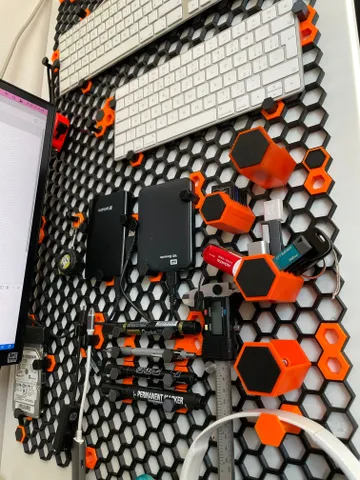
Honeycomb Storage Wall: modulaire opbergwand met haken en bakjes
door RostaP
PLA3 u 53 min
282k 2,5k

 Extern
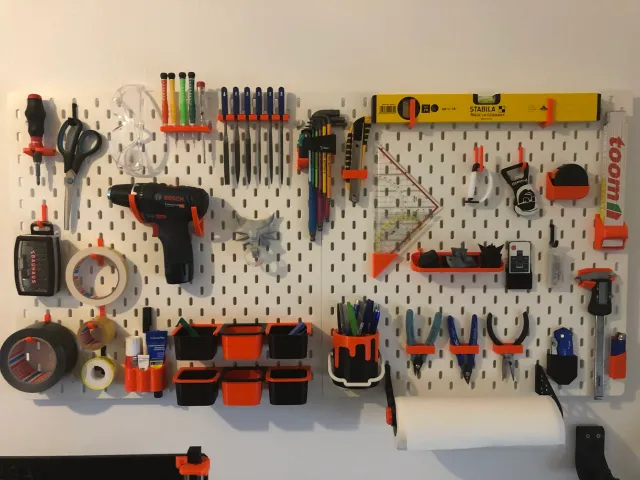 past op IKEA Skådis