 1 / 6
1 / 6Beschrijving van de maker
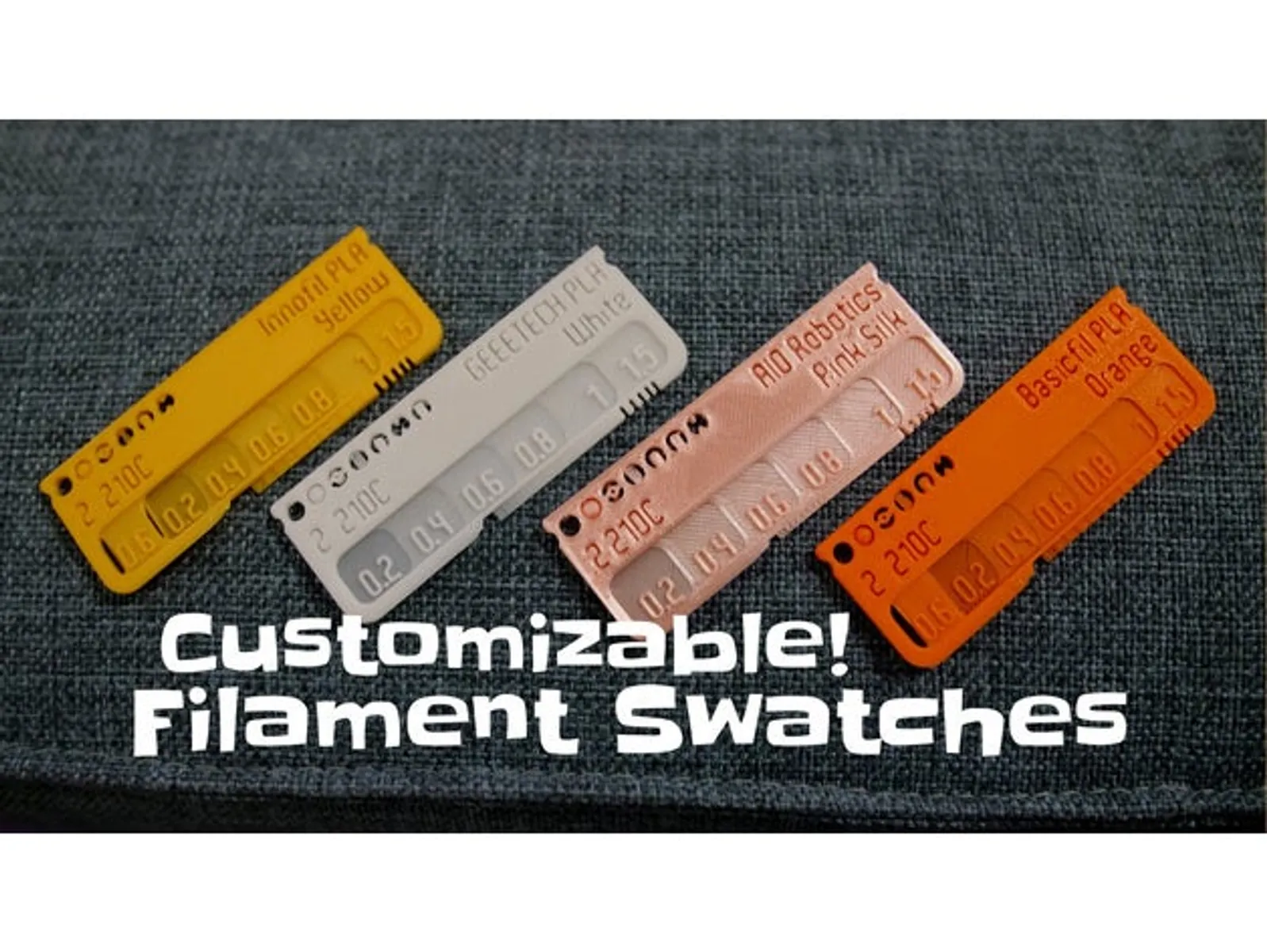
Origineel in het EngelsYou need filament swatches / filament samples for testing different colors and makes? You want to know the colors you have on spool at the moment?
Customization
Here are customizable filament swatches / tests, where you can change all the text using the makerworld online customizer or OpenSCAD. This way you don't have to print and stick any labels anymore.
To customize locally on your computer, install OpenSCAD on your own computer and follow the customizing instructions on this thing page or these more in depth instructions. Also check out the “Customizing using OpenSCAD” section below for tips about fonts etc.
Alternatively, you can also use the Thingiverse customizer.
Update Nov 25: Now you can select top and bottom test patterns separately to activate and also select the swatch type (basic rounded vs. bottom rounded and top edgy) separately, as requested by Stacker55
Update 2023 Nov 13 for bi/tri-color filament: Now all round test areas are configurable (see the array "tests"). So you can even configure 3 filament-holes.
This is useful for bi-color and tri-color filament: Just use these 3 filament holes, and put a piece of unprinted filament into each, but rotated by 60 degree. Thus showing the 3 colors in an unprinted way:
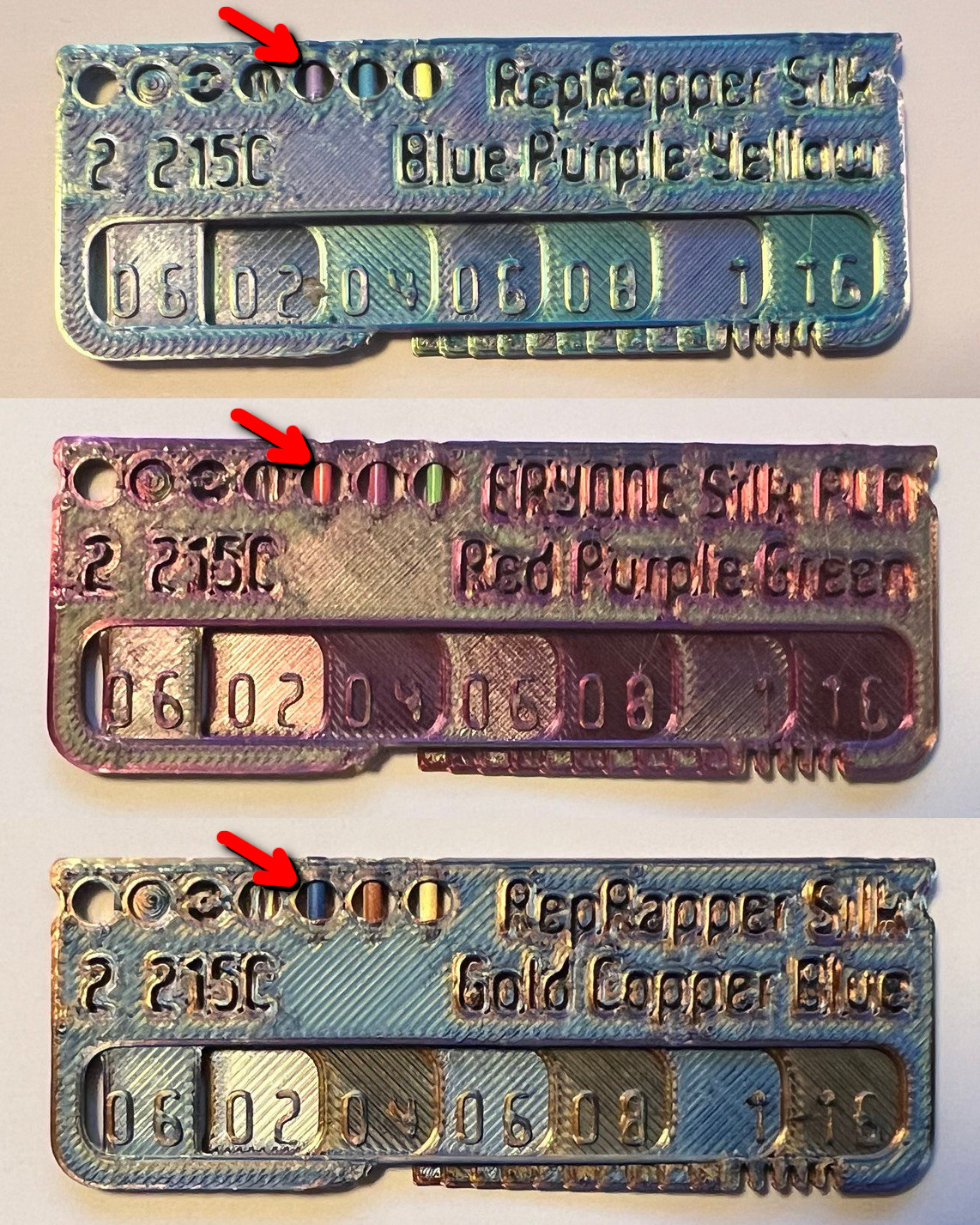
PLA tri-color and bi-color variants are included also as STLs. Let me know if swatches are missing!
Ready-made swatches for specific filaments
You can get the complete collection (colors, materials) of all Prusament filament swatches and all Filament-PM filament swatches. WilliamKerri created all esun filament swatches.
In case you have the list of filaments (colors, materials, nozzle temperature) from other vendors, let me know and I will create the respective swatches as well.
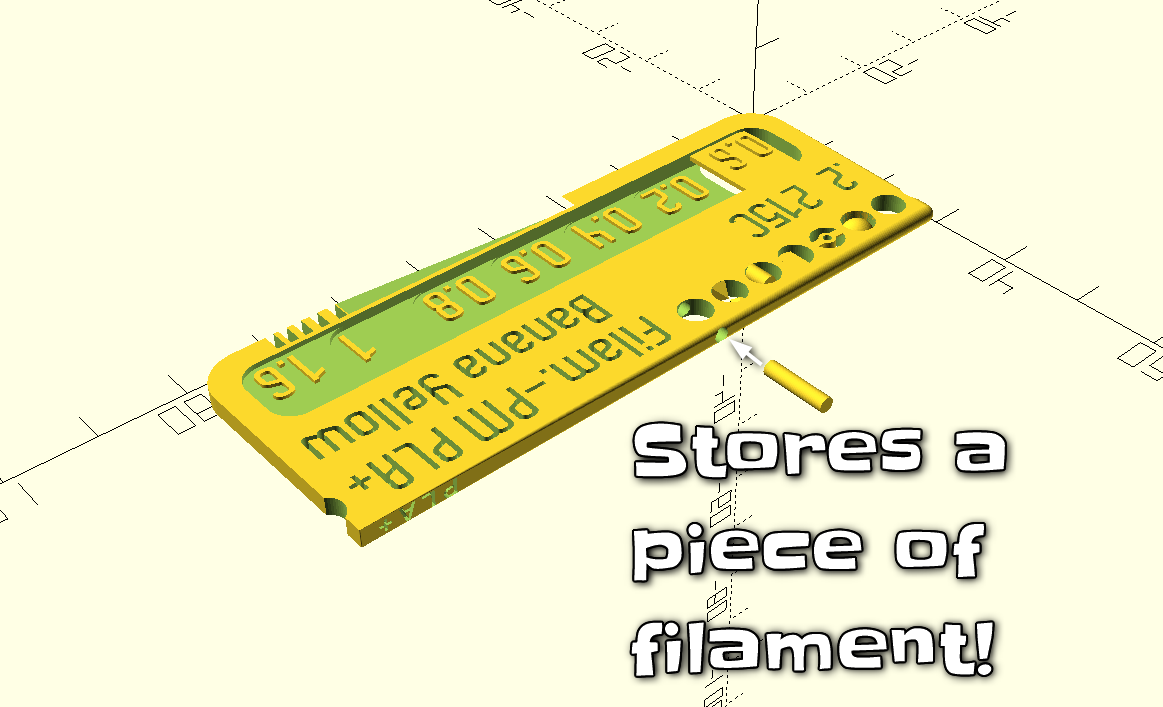
What is that little hole on top for?
The 7th hole is made to stick in a piece of filament for later reference, which is a great idea first realized in this remix by mathiaspl20:
Note: I originally uploaded this to Thingiverse, so there are some references below to that site. You can find >3000 remixes and >100 photos of makes there.
If you print a swatch, please share a picture using the "comment" button and attach the picture. This way we can collect here filament print quality via pictures...
You can customize:
- 3 lines of text (for make/type/color/printer settings for the material): upper, lower left, lower right
- By default, all kinds of test patterns are included in the swatch. This way you can easily see how well the filament printed. You can select how many round test pattern are included. You can check overhangs, bridging, pyramids, roundness, etc.
- There is a fourth text on the top side to indicate the material type quickly when the swatches are in their box. You can set this text using a drop-down box or a free text field, as requested by Sembazuru.
- Thickness progression of the 'layers', defined as an array of numbers
- Wether the thickness steps numbers have include leading zeroes, trailing zeroes or nothing, as requested by sparkyman215 and Sembazuru
- Font, font size (font size can be set for the main text and the steps separately. Setting a font size to 0 removes the text), text line distance, wether the text is raised or embossed
- Size of the swatch
- Hole diameter, grooves, etc
- Wether to rotate the text on the steps, as requested by IllyStorm
- As default, "Pathway Gothic One" font is selected for better readability. You can also check the V5 .stl files as font samples. The first line on each swatch is the fonts name. You can check if the text is still well readable after slicing these swatches all at once.
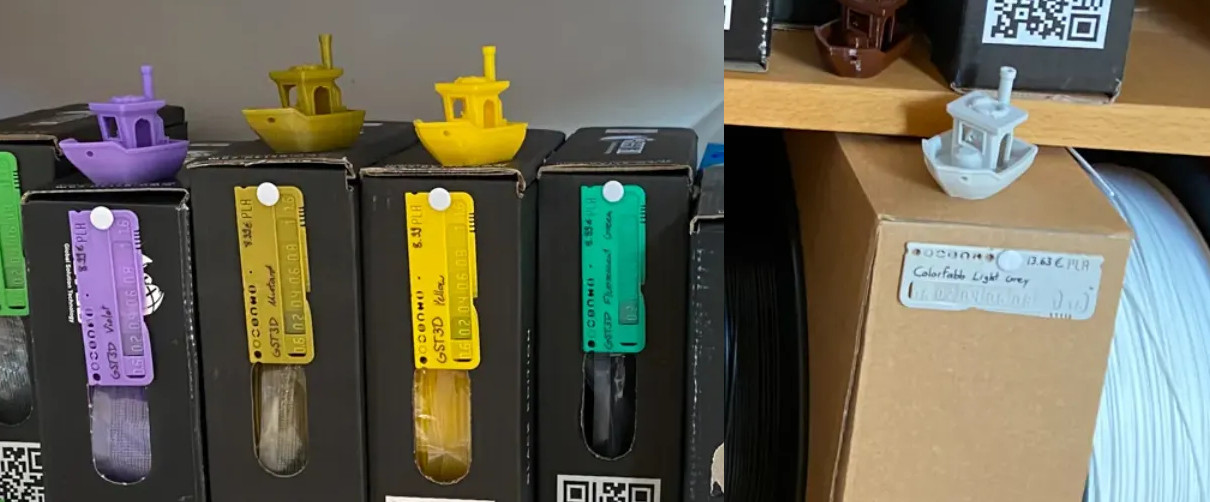
- New: You can add holes in the swatch to hang it up with a tack (either on top or on the right hand side). Use e.g. [tack_hole="top";]. The idea is from gloda, thanks! He attaches the swatches to his filament boxes:
Browsable Filament Box
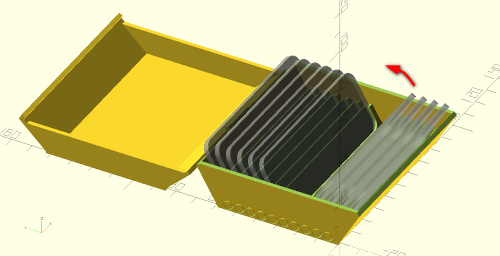
The swatches fit into this new hinged box with print-in-place hinges, which hold each swatch in place. Its easy to browse and arrange swatches using the mechanism.
Standard Box
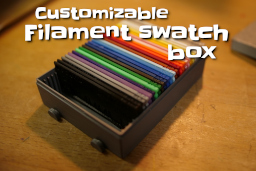
As they are, the swatches fit into this customizable filament box. There you find different sizes (for 20, 30, 40 swatches) and also versions with pegboard pins. The box is based on the one from Jaxel.
Box dividers
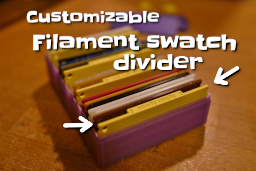
In case you print several filament swatches, you might need a solution to remember which spools are empty or bad. For this, use these configurable dividers. Included are “bad”, “good”, “empty”, “nearly empty”, and a few filament types like “PLA”, “ABS”, “PETG”.
Swatch holders
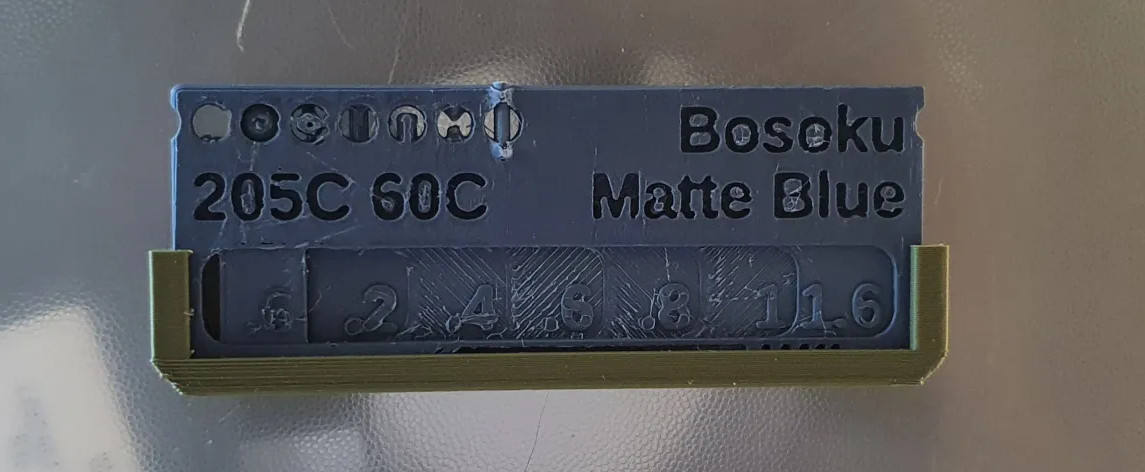
There are several great swatch holders available, e.g. Nekothechamps Filament Swatch holder:
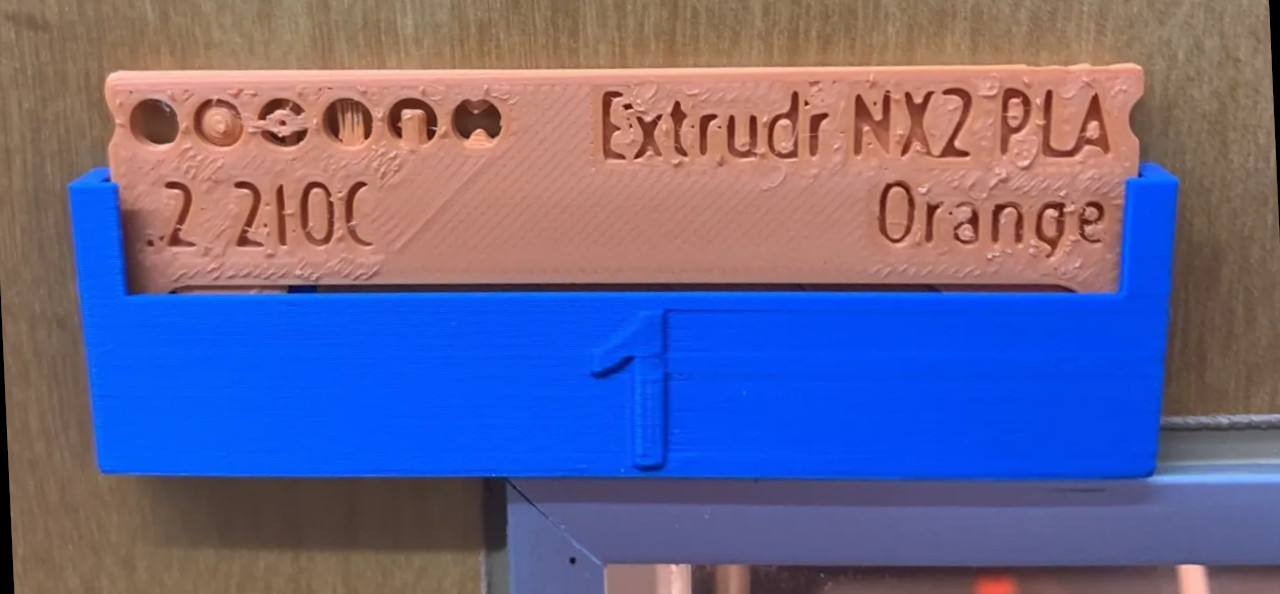
Queeeks Numbered holder, e.g. to know which material is currently in the MMU:
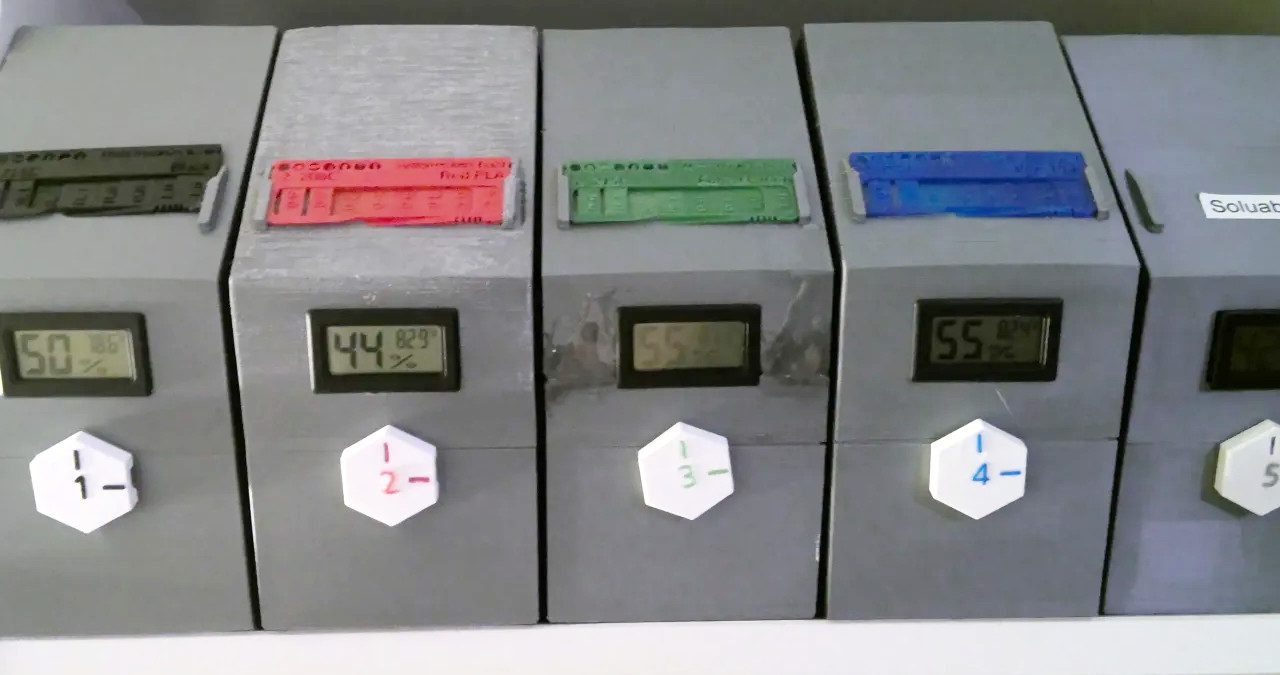
Dylan Thurstons drybox with holder:
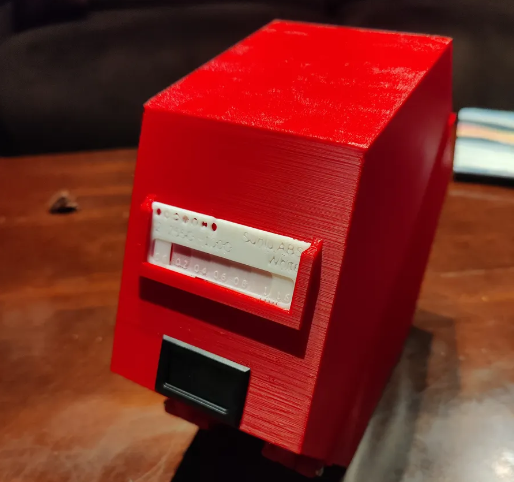
MikkoP's Gridfinity swatch box:
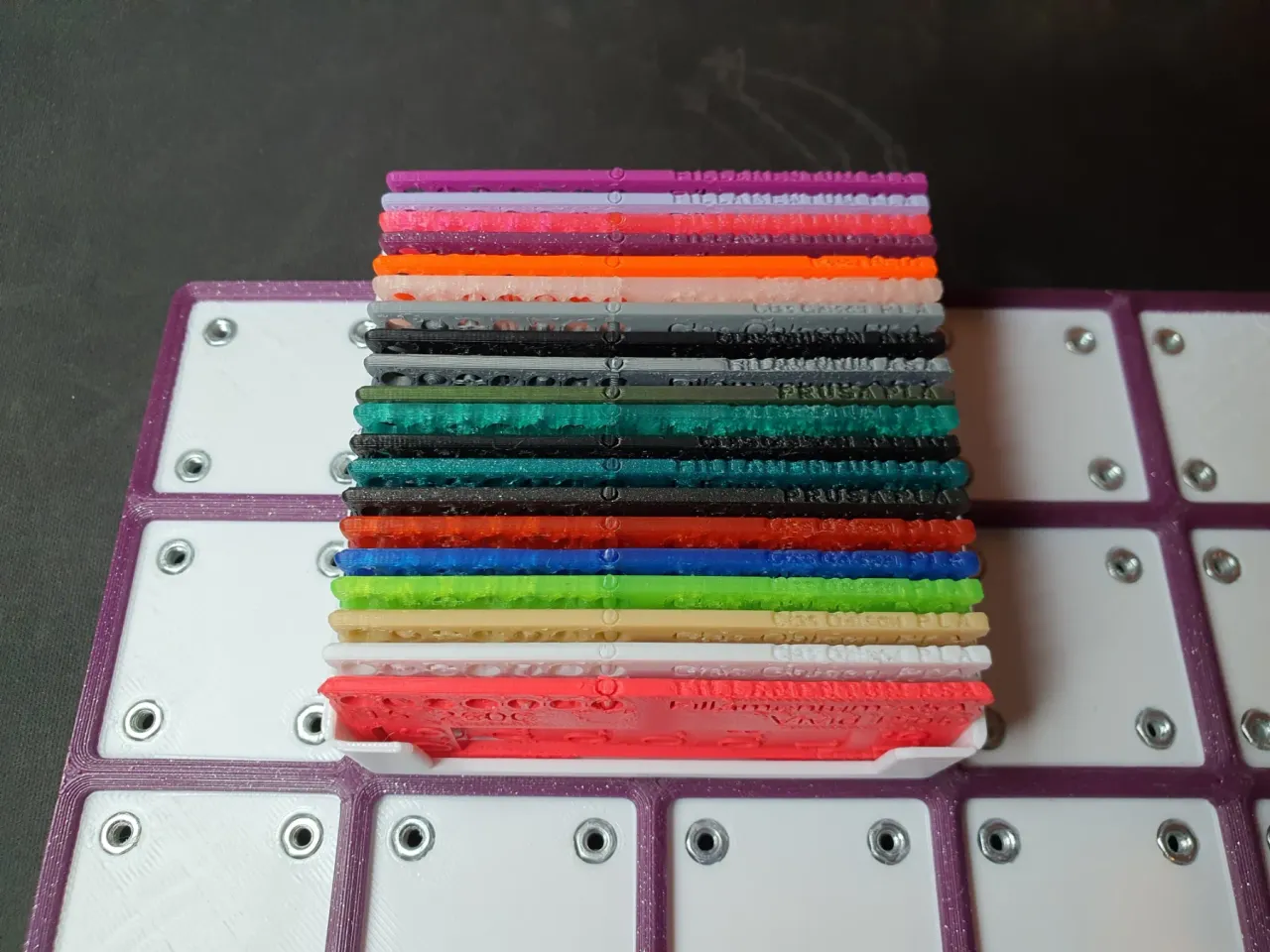
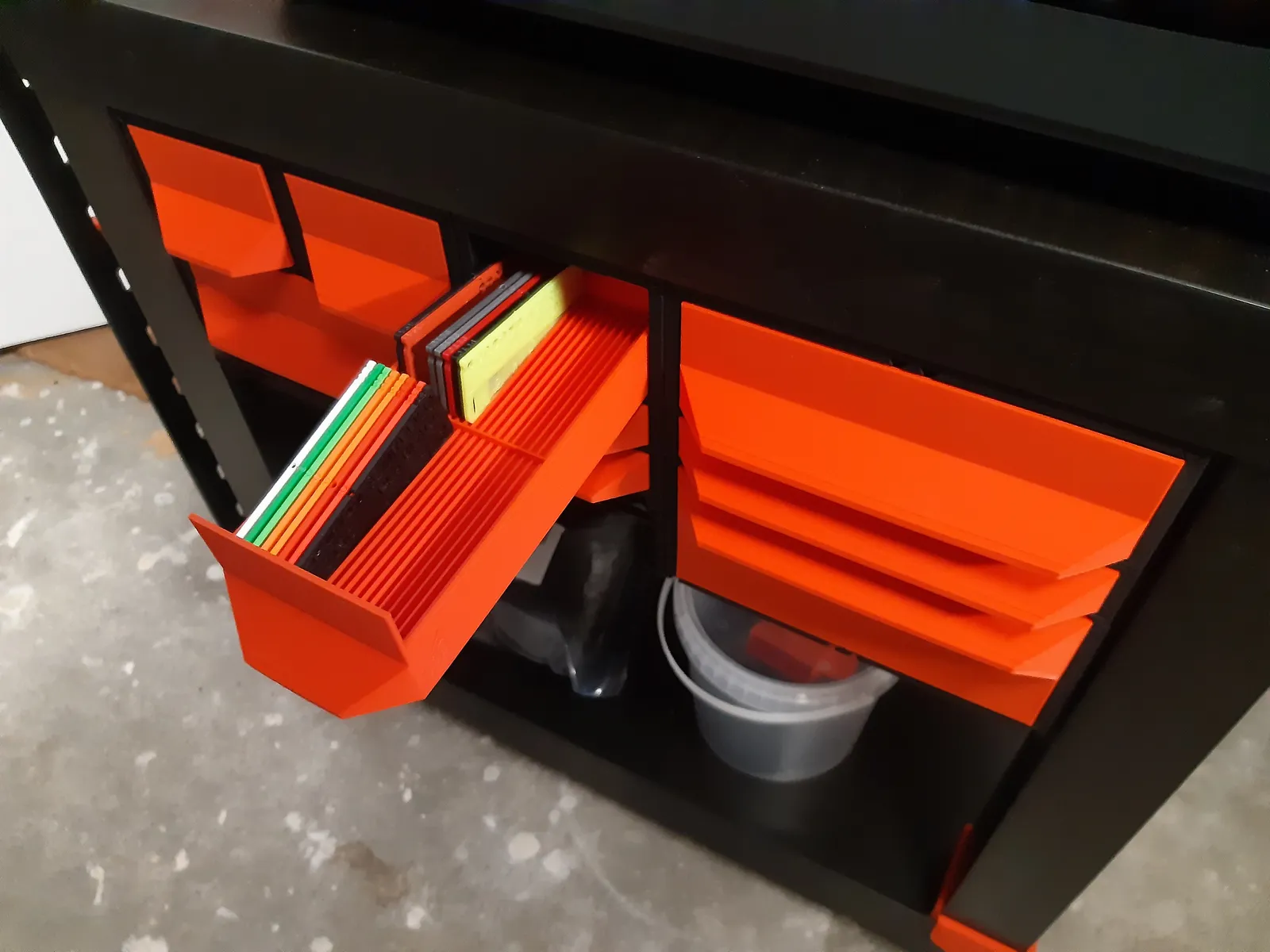
Psytropomrphs Gen2-drawer for 40 swatches:
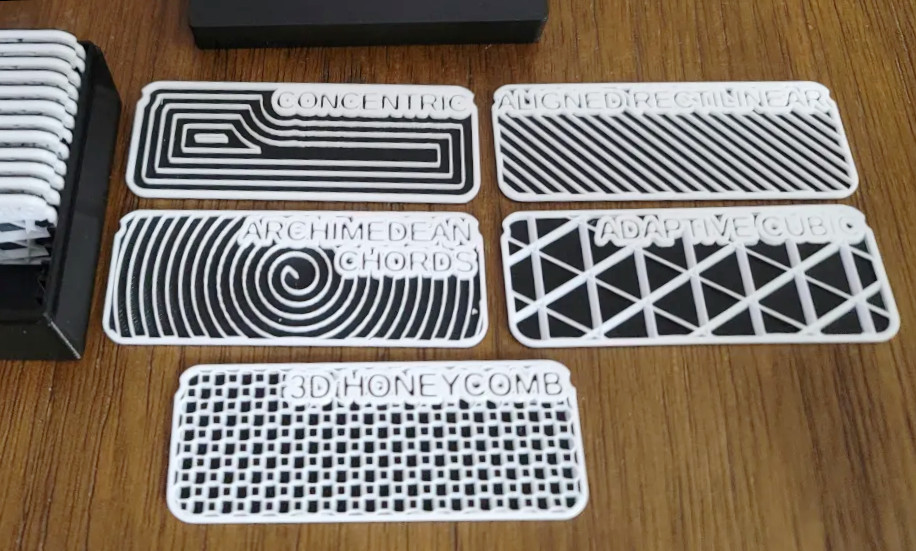
Infill swatches
Have a look also at the cool size-compatible infill swatches from oak-buffalo:
Credits
Thanks to badmonkeyedd and ixpatch and midnightsmith and tyhi3d and mino and divinejimmi and pallihauks for their photos and the approval to re-use them here!
Thanks to gloda for the idea to add holes to hang up the swatch with a tack!
Thanks to Colonel Panic for finding a bug in the customizer code for zero handling!
Thanks to SimonHawkins for the hint to add PLA+ to the selector in the SCAD file.
More things to download
If you like it, please have a look at all my customizable creations. There are configurable-text-based creations, multi-line label, gadget display stand, sweeping name plate, bunting banner, customizable text box III, pyramid text, name plate, [Customizable text box with lid](https://www.printables.com/model/33259-customizable-text-bo
Geprint door de community
Bij de bron al 301 keer geprint. Laat hier als eerste zien hoe het bij jou werd.
Reacties 0
Ook handig in 3d-printer
meer zoals dit
 past op Bambu Lab P1, X1, X1C
Silicagelhouder voor in de kern van een filamentspoel
door gdrag
 Extern
 Extern