 1 / 5
1 / 5Beschrijving van de maker
Origineel in het EngelsThis is a remix of https://www.thingiverse.com/thing:1213459
My appologies to the original designer for not including the link to his model originally, as I was unable to locate the original when I posted.
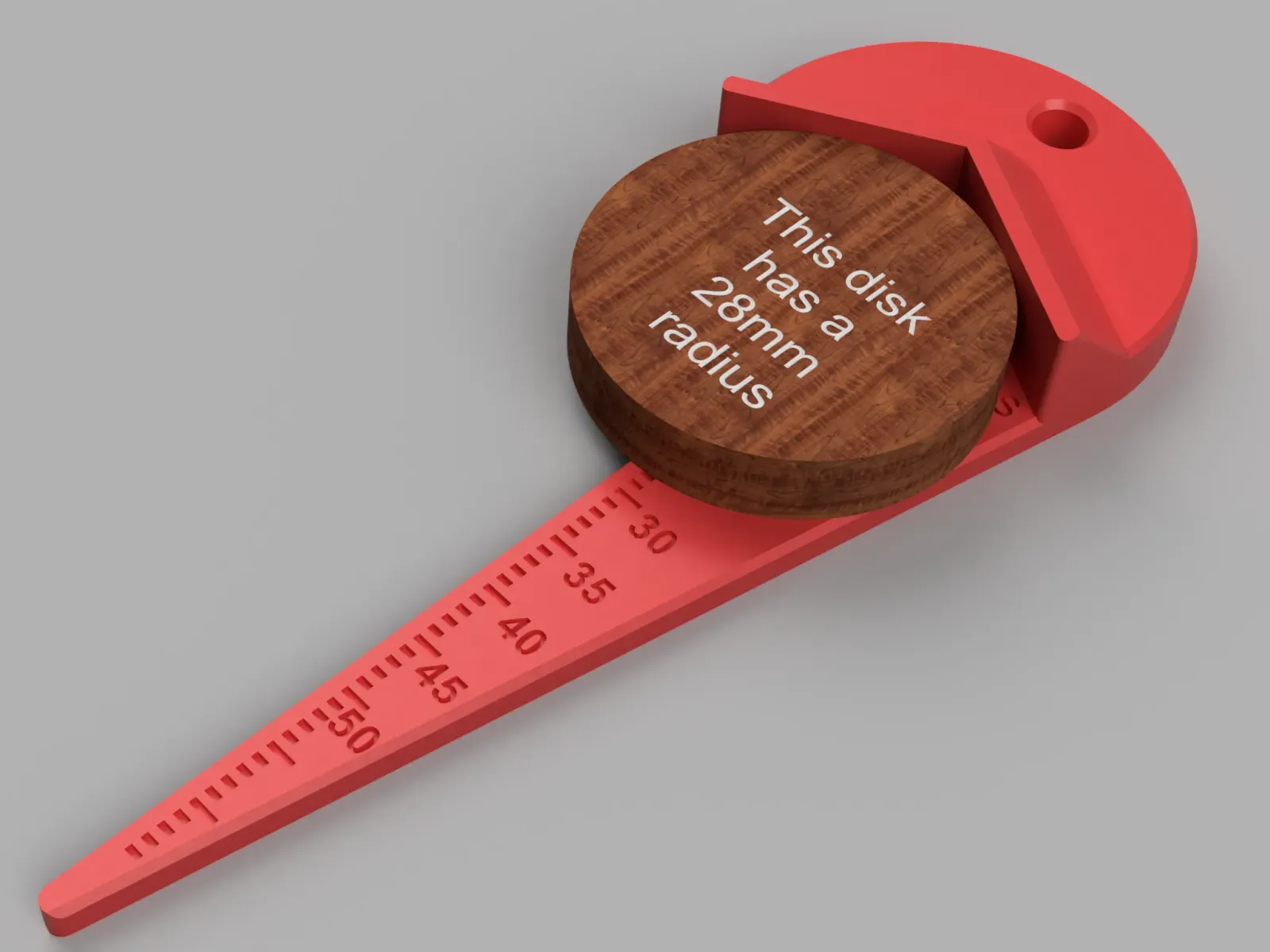
For use as a Center Finder; simply flip it over so that the scale side is facing down and then use it like a ruler/straight edge, placing it on top of the object and then drawing two or more intersecting lines. The intersecting lines will cross at the object's center point.
When using this to measure an object, please note that the markings/scale indicates the Radius (even though you are measuring across the full diameter of the object).
If you want to determine the Diameter, simply double the reading/value shown as it's Radius.
My reason for doing this was for legibility (and precision), as the scale markings for diameter would take up much more space.
Given the method used in measuring, this easily achieves a precision of better than +/- 0.5mm and it can still be used to measure objects up to 128mm in diameter (i.e. 64mm radius)
Printing Tip
To improve the legibility of the markings & numbers, I'd recommend doing a filament colour change,
Assuming that you're slicing with a layer height of 0.2mm, your filament colour for the text should start somewhere between 3.0mm to 3.6mm and then change back to your final colour at 4.2mm
Instructions for using "Center Finder - multi-colour_0.2mm_PLA_MINI_1h43m.gcode"
I've included a g-code file which is specific to the Prusa Mini/Mini+. If you want to print this in true single layer multi-colour such as Orange with Black text on your Prusa Mini/Mini+ using the g-code file:
- Load up your Orange filament and start printing from the g-code file.
- After about 54 minutes, it will unload the Orange and prompt you to load the next colour of filament (i.e. Black).
- After about 3 minutes of printing the two layers of black, it will unload the Black and prompt you to load the final filament colour change (i.e. Orange).
- The remainder of the print will take about 45 minutes to complete.
If you do happen to print the included G-Code version on your Prusa Mini/Mini+, please include a close-up photo of the text on your Make.
Geprint door de community
Bij de bron al 123 keer geprint. Laat hier als eerste zien hoe het bij jou werd.
Reacties 0
Ook handig in gereedschap
meer zoals dit
 Extern
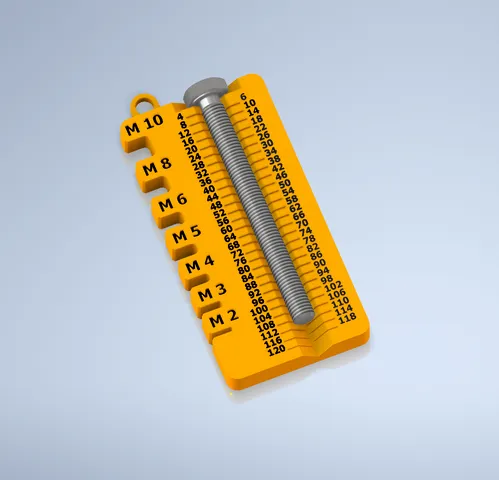
Schroefmaatmeter voor metrische bouten M2 tot M10
door Boogie
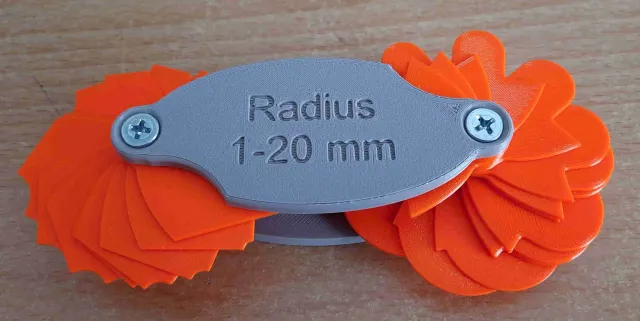
Compacte radiusmal voor rondingen van 1 tot 20 mm
door Michal Blazek
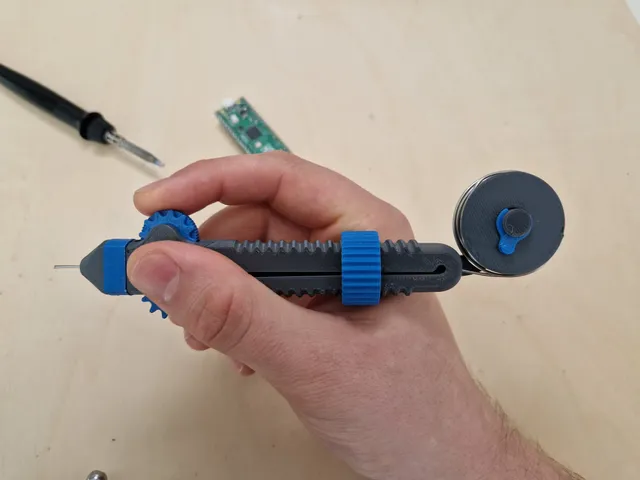
Soldeertinpen met scrollwiel voor ergonomisch solderen
door Victor
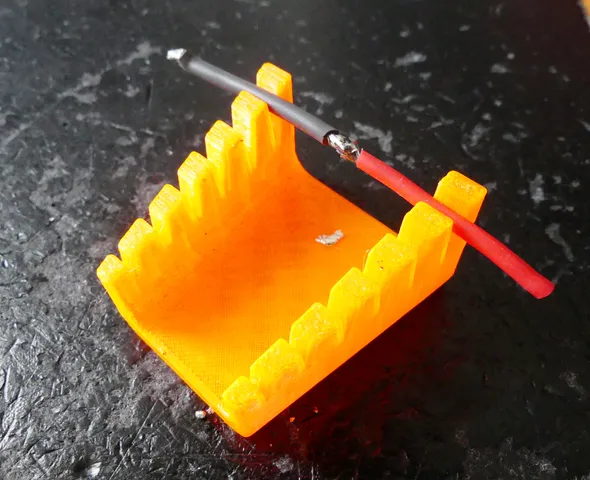
Klauwplaatbankschroef met 2, 3 of 4 bekken voor de werkbank
door Sneaks